
Learn how to build learning apps for your school with
(Based on learning science)
Learn how to design and build learning apps that help students learn, based on the science of learning and the brain, using AI agents to build them for you, safely for your school.
Early bird price ends 10 Nov · Course launches 17 Nov · 14-day refund
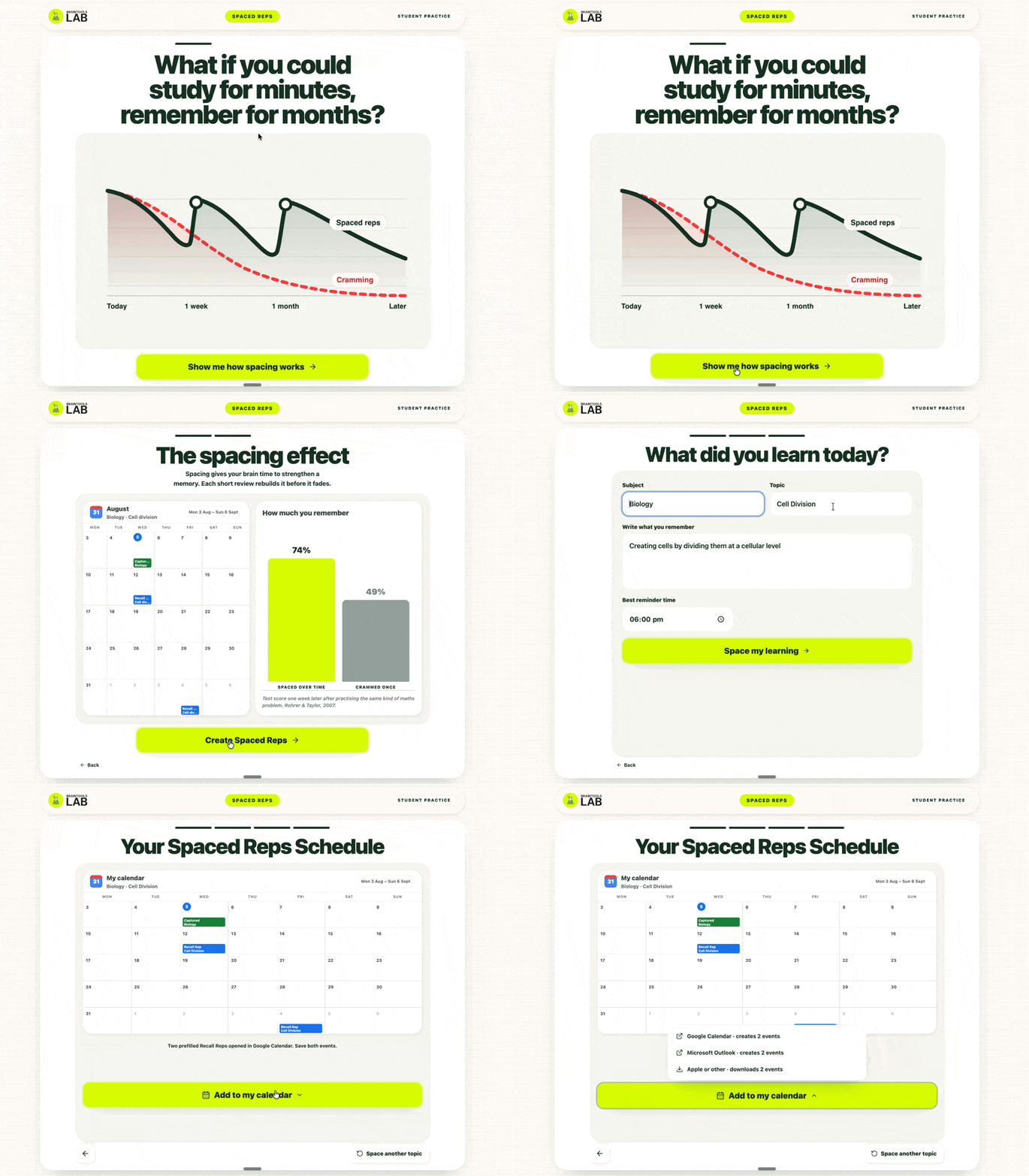
Tutoring tools used by100,000+ students
Study skills taught to90,000+ students

Taught by Samuel Holston, builder of an edtech platform used by 100,000+ students.
Leave with tools your school will actually use
Syllabus
Module 1Learning science + BrainTools foundations
The handful of principles that make the biggest difference to learning, and how to turn them into app features.
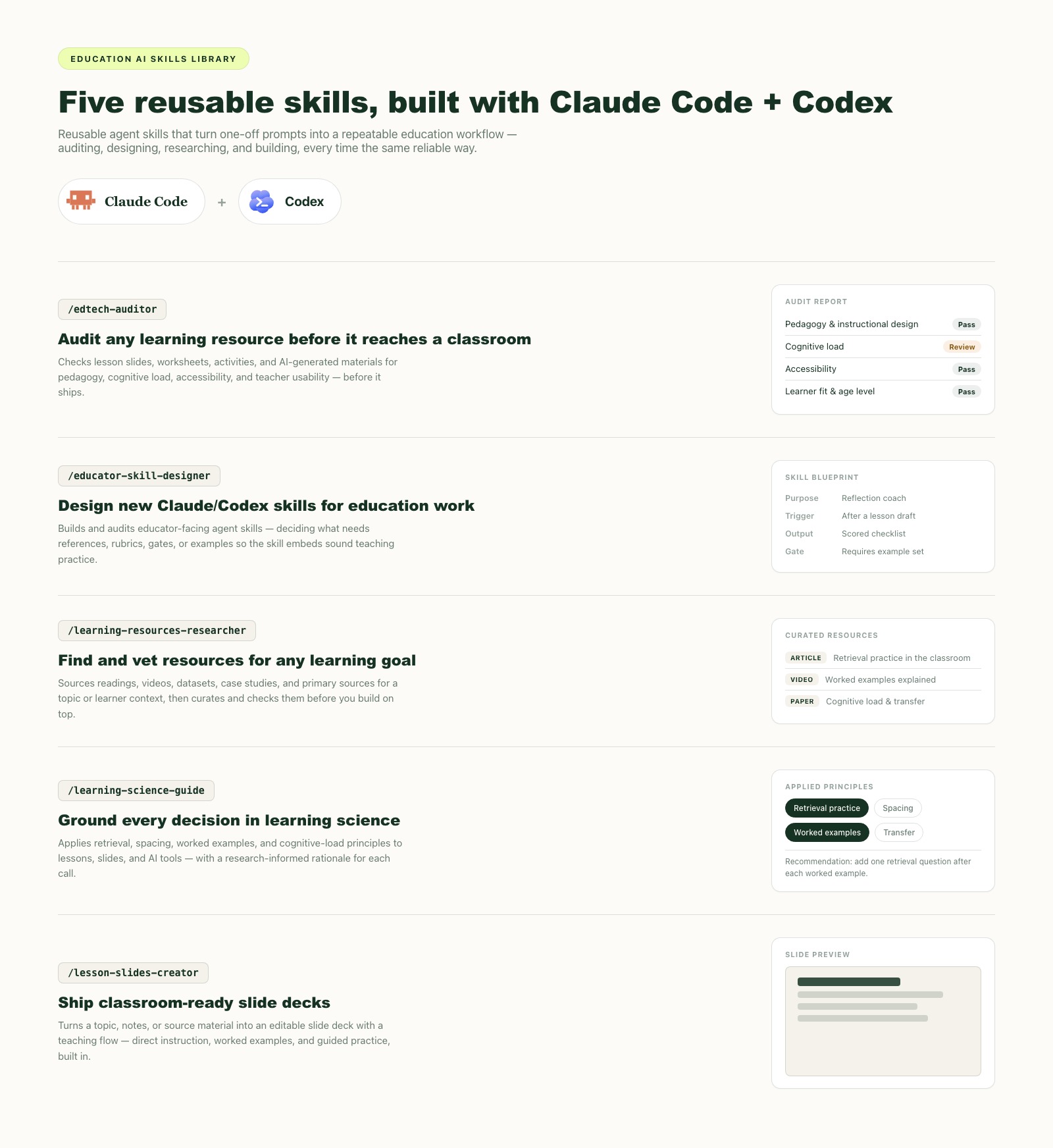
- Get to grips with retrieval, spacing, self-explanation and cognitive load
- Build your own AI learning system to learn any topic the BrainTools way
- Turn one principle into a feature spec for your first app
Module 2Set up your AI build stack
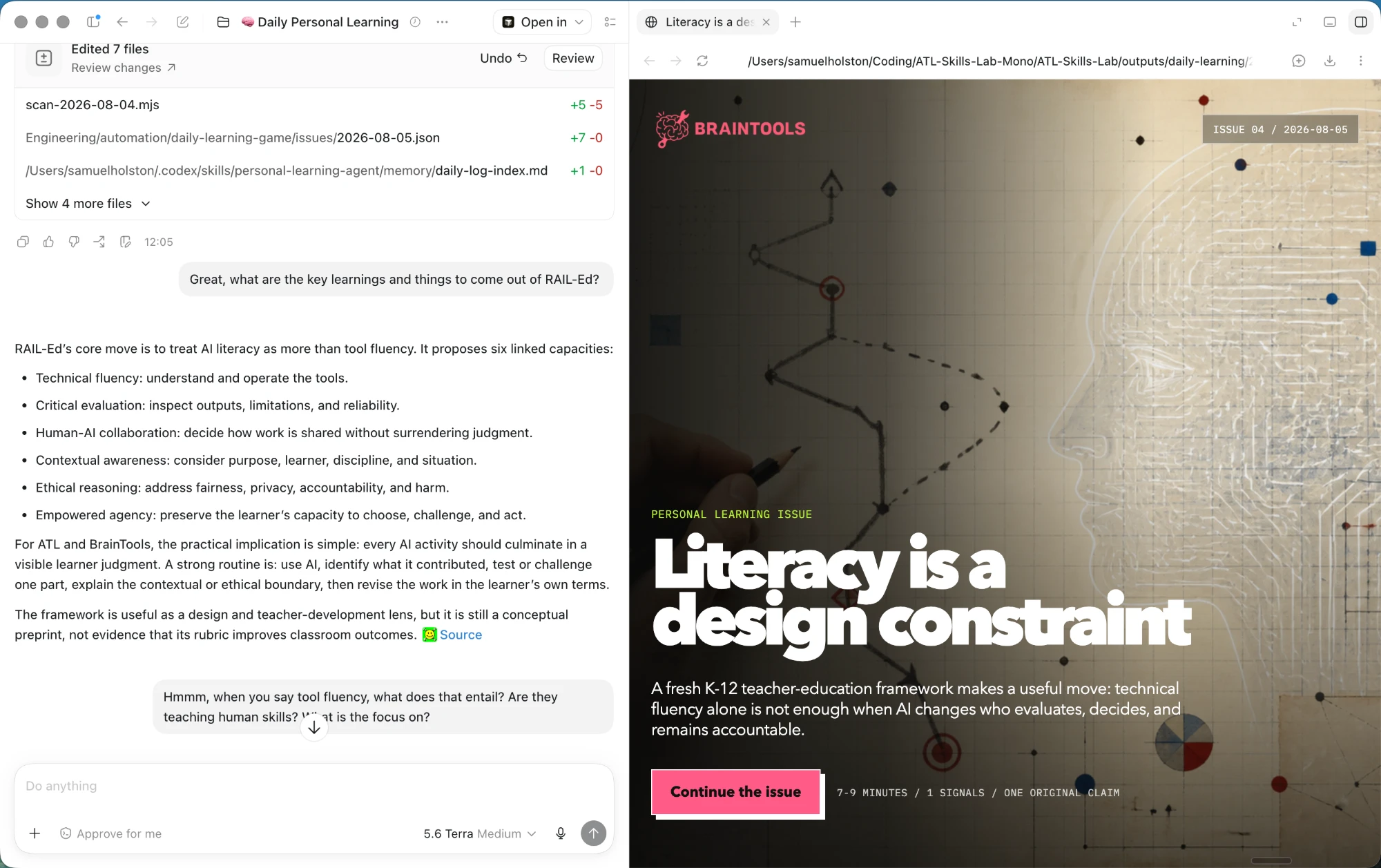
Get Claude Code or Codex running step by step, written for non-engineers.
- Install and configure your agent, with rules files and safe boundaries
- Write a build brief an agent can actually execute
- Turn a repeated school task into your first reusable agent skill
Module 3Build your first learning app
Go from a teaching problem to a working retrieval and spacing app, using your own content.
- Pick a real teaching problem and scope the simplest useful version
- Build a retrieval and spacing app around your own curriculum
- Test it against realistic student scenarios and improve it
Module 4Design for motivation
Add the feedback, progress and choice that keep students engaged without gimmicks.
- Design for autonomy, competence and belonging
- Add feedback and progress that build confidence
- Avoid the points-and-streaks traps that backfire
Module 5Ship it safely at school
School-safe boundaries, teacher-facing instructions, and sharing your app with colleagues.
- Apply school-safe boundaries: no real student data, teacher-led use
- Write teacher-facing instructions and a short demo script
- Share your app and skills with colleagues
Common questions
Do I need to know how to code?
No. The course is built for teachers and school leaders, not engineers. AI agents write the code; you design the learning and direct the build.
When do I get access?
The course opens on 17 November. You'll get your access details by email that day. Early bird pricing ends on 10 November.
What tools do I need?
A laptop and a paid plan for an AI coding agent: Claude Pro or Max, or a ChatGPT plan with Codex. Module 2 walks you through the setup.
What if it's not for me?
Email us within 14 days of launch (by 1 December) for a full refund, no questions asked.
Can my school pay, or buy for a team?
Yes. You'll get an invoice for CPD or professional learning budgets. For five or more staff, email Sam for team pricing.
Build learning apps your students will actually learn from.
Get early bird access for €99 (€199) until 10 November. The course opens 17 November.
Pre-order now for €199. The course opens 17 November.
Get Early Bird Access Buying for your team or school? Get in touch